核心价值
电脑无法启动时,找出原因往往令人困扰,尤其是首次装机的用户。问题可能来自 CPU、内存、显卡、启动设备或其他关键元件。
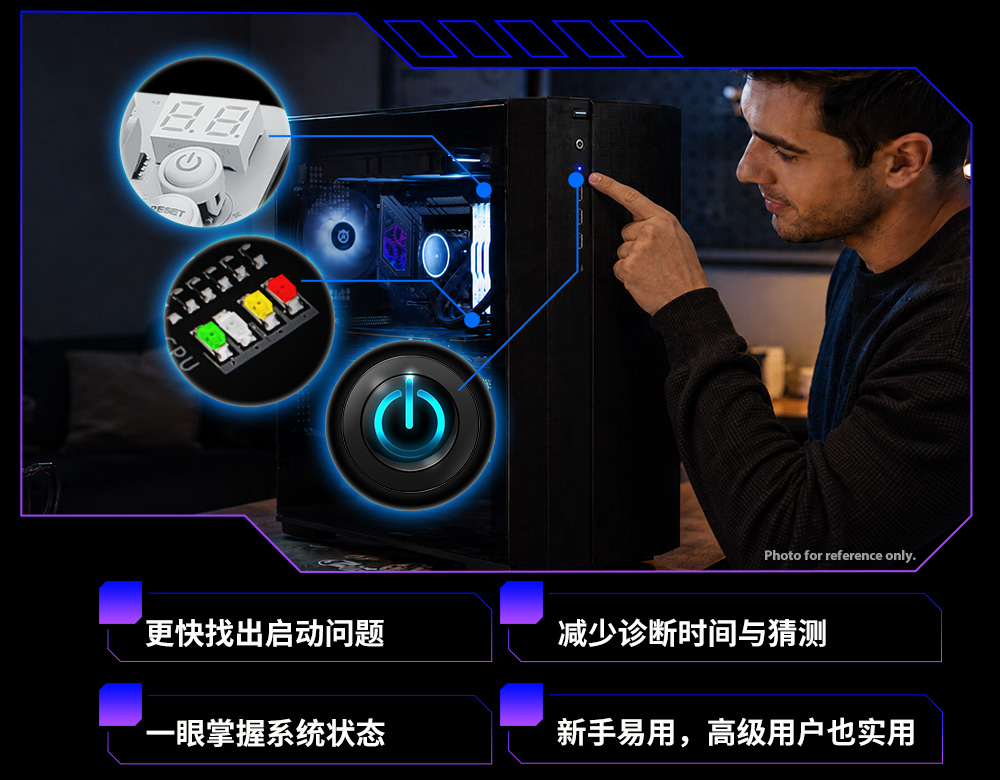
华擎EZ LED 故障排查提供清晰的视觉指示,帮助快速识别可能的启动问题,减少猜测并让诊断更直观。



电脑无法启动时,找出原因往往令人困扰,尤其是首次装机的用户。问题可能来自 CPU、内存、显卡、启动设备或其他关键元件。
华擎EZ LED 故障排查提供清晰的视觉指示,帮助快速识别可能的启动问题,减少猜测并让诊断更直观。
华擎提供多种故障排查方式,以适应不同主板设计、系统配置与使用场景。
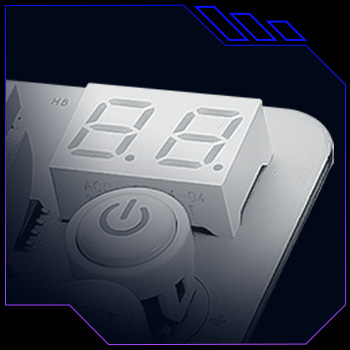
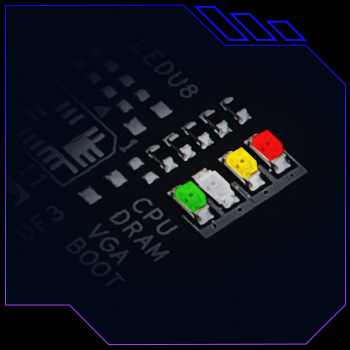
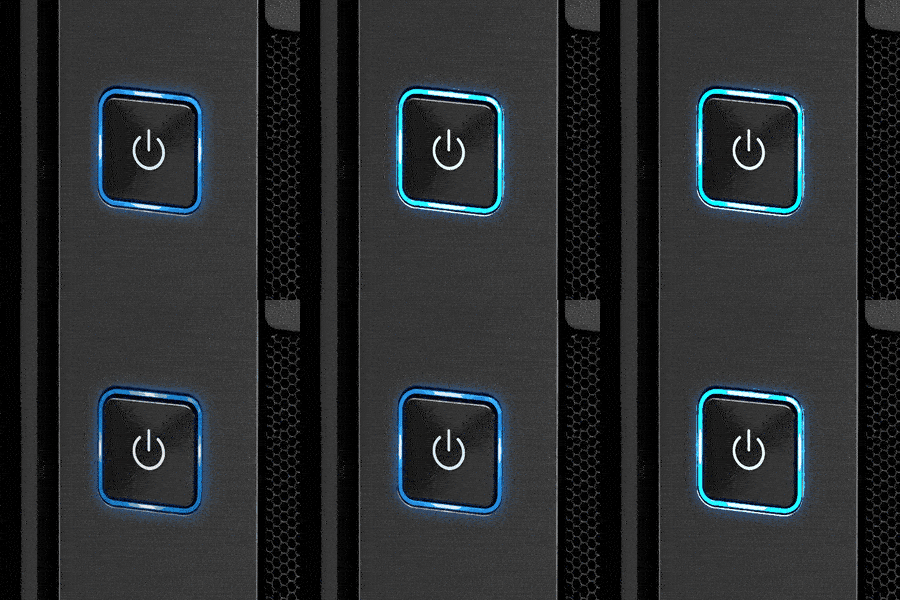
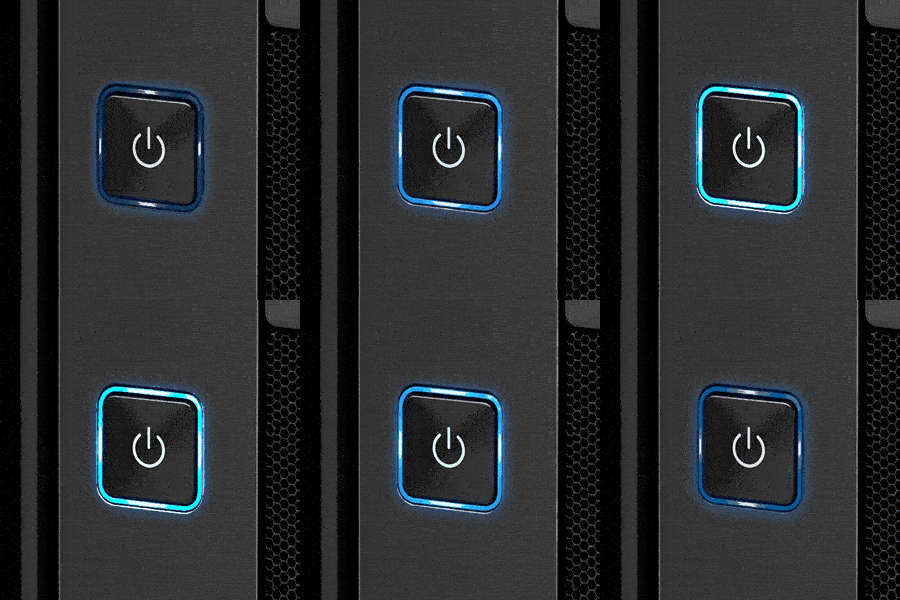
Dr. Debug 提供详细 POST 代码,帮助识别特定启动问题;Post 状态检查通过主板 LED 显示 CPU、DRAM、VGA 与启动设备状态;电源状态指示灯则利用机箱电源指示灯显示系统状态,用户可根据装机环境选择合适方式。
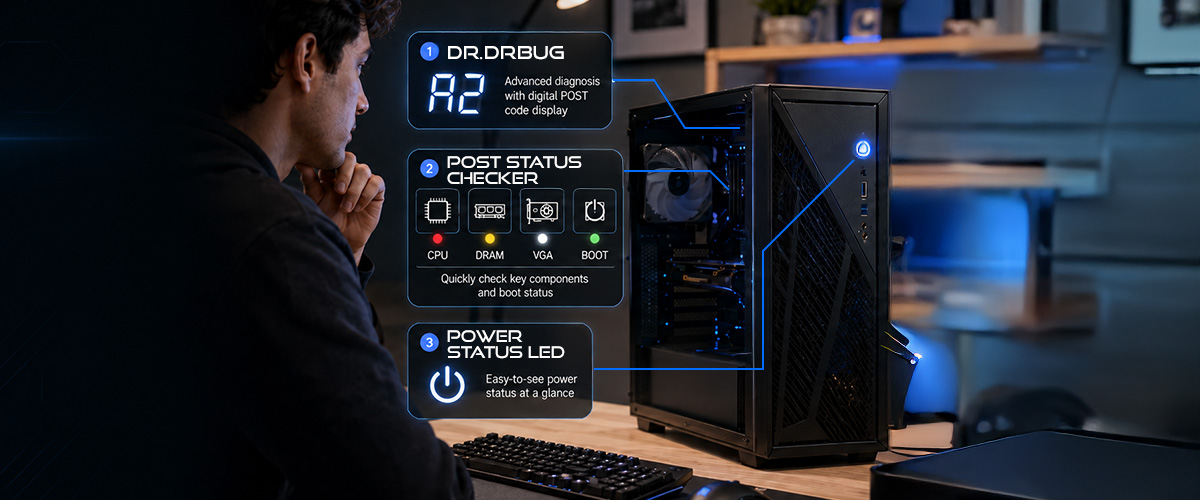
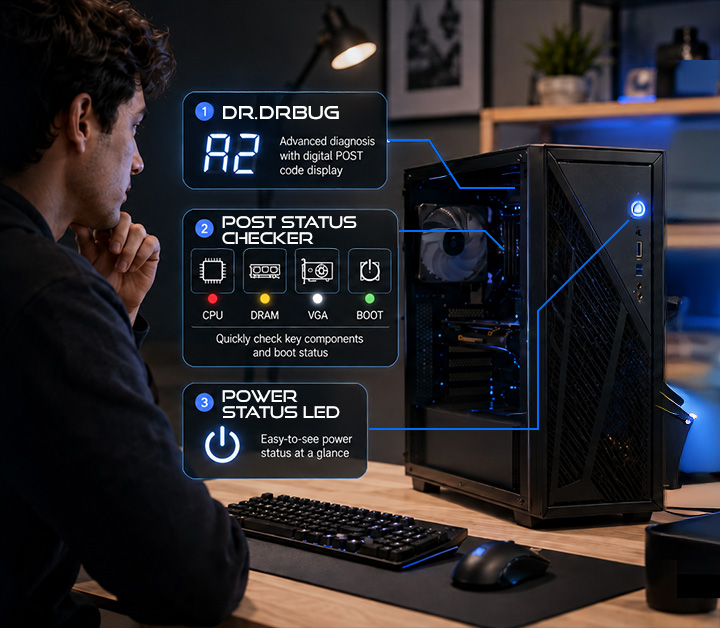
LED 故障排查功能因型号而异。每款主板会搭载其中一种功能,详情请参阅产品规格。
结合 Dr. Debug、Post 状态检查与电源状态指示灯,华擎EZ LED 故障排查提供多种诊断方式,从详细 POST 代码、主板 LED 到机箱电源指示灯,都能帮助识别潜在系统问题。
华擎EZ LED 故障排查可帮助用户更轻松识别潜在系统问题。
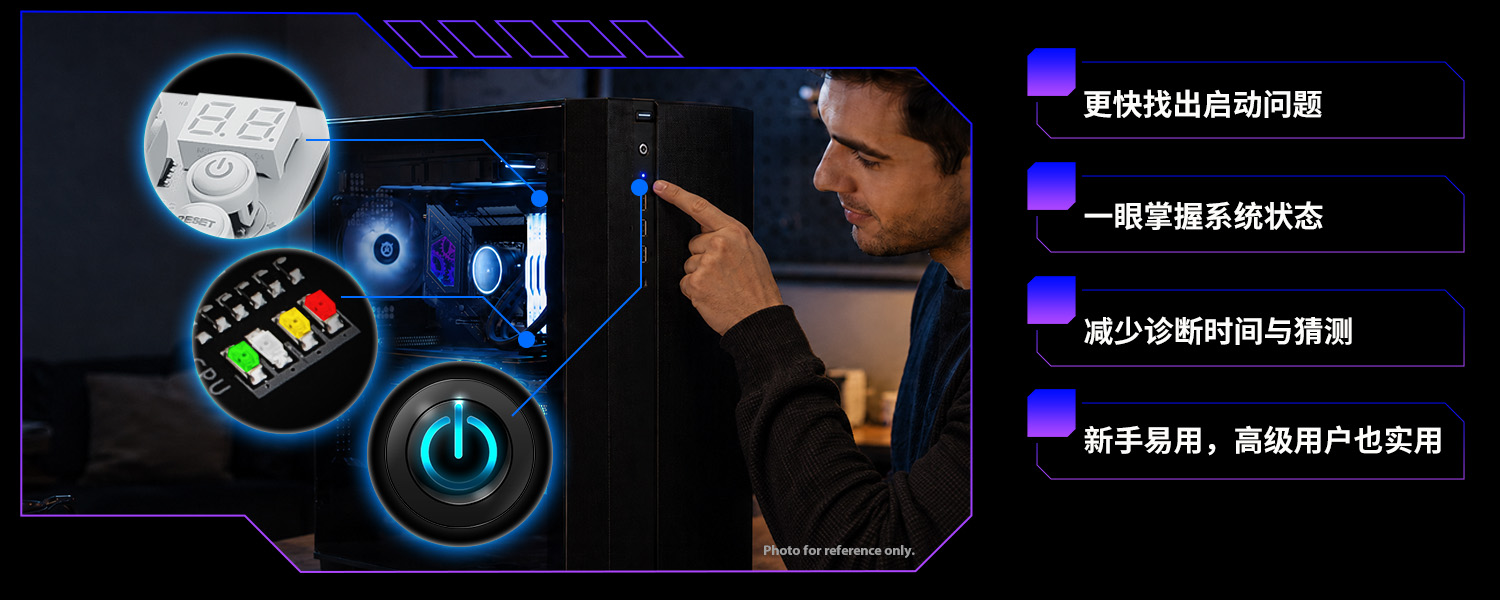
LED 故障排查功能因型号而异。每款主板会搭载其中一种功能,详情请参阅产品规格。